How to use Image object ?
Warning
Drafting documentation
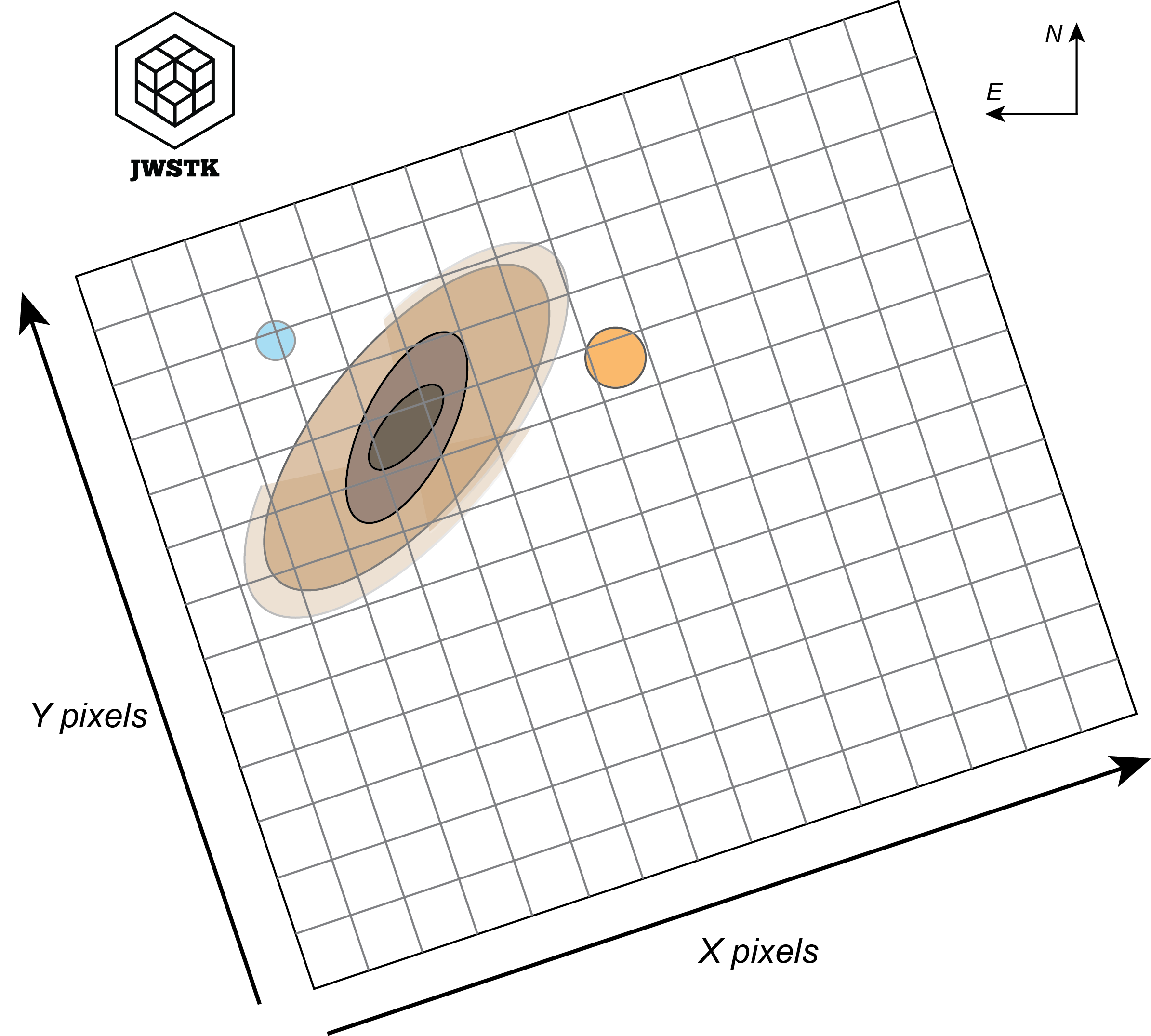
Image structure
Getting started
Attributes of the ‘Image’ object
Attribut |
What is it? |
|---|---|
Image.file_name |
The name of the file in .FITS format. |
Image.primary_header |
The primary header of .FITS data. |
Image.data_header |
The header associated with data science. |
Image.data |
The image, values stored in a 2D array. |
Image.errs |
Errors associated with science data, stored in a 2D array. |
Image.size |
Image dimensions (nx, ny). |
Image.px_area |
Area of spatial pixels, in arcsec^2. |
Image.units |
The unit of image values, by default these values are surface brightnesses given in MJy/sr. |
Methods of the ‘Image’ object
Method |
What does it do? |
|---|---|
Image.info() |
Prints data-related information stored in headers. |
Image.plot() |
Displays the image in a matplotlib figure. |
Image.get_px_coords() |
Converts R.A. Dec. coordinates in degrees to pixel coordinates. |
Image.get_world_coords() |
Converts pixel coordinates to R.A. Dec. coordinates in degrees. |
Image.crop() |
Extract part of the image (i.e. a zoom). |
Image.rotate() |
Apply a rotation using WCS. |
Image.convolve() |
Convolves the image from a PSF FWHM. |
Image.extract_intensity_profile() |
Extracts an intensity profile from the image. |